

Overview
Upwell’s receivables management gets your customer invoices out fast and paid faster. It sits on top of the shipment data your TMS provides: invoices are generated from shipments, delivered with their supporting documents, tracked through payment, and chased automatically when they age. This page describes the product workflow. If you’re building against the API, jump to For developers below.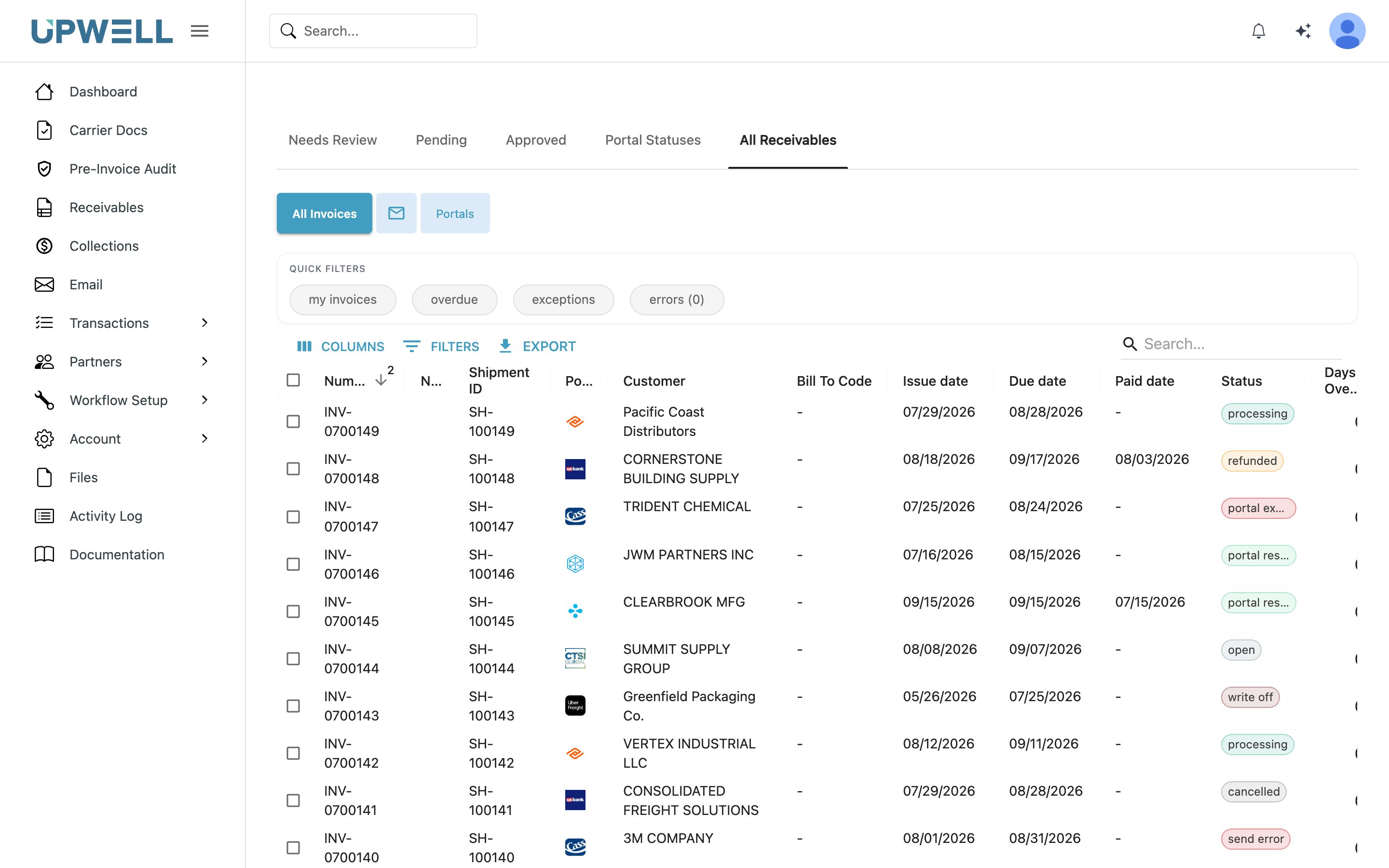
Customer invoices on the All Receivables tab, each showing its status and how it was delivered.
What it does
Invoice generation
- Build customer invoices from shipment data — rates, accessorials, and references
- Attach supporting documents (BOL, POD, rate confirmation) automatically
- Issue invoices under the correct legal entity when you operate multiple brands (see Companies)
Invoice delivery
- Deliver by email, EDI, or the customer portal, per each customer’s configuration
- Supporting documents travel with the invoice (see How documents flow through Upwell)
- Track invoice status through delivery and payment on the invoice lifecycle
Collections
- Aging visibility across your receivables portfolio
- Automated email follow-ups on open invoices — see Payment Reminders
- Account statements summarizing a customer’s open invoices, generated and sent on a schedule
Cash application
- Record customer payments and apply them to invoices via payment line items — see Remittances
- Resolve short-pays and unapplied cash from the dashboard
For developers
The receivables workflow is built on the public REST API — these are the real surfaces:Customer invoices (AR)
Create and manage invoices and line items:
POST /api/rest/invoices, nested invoiceLineItems, shipment links.Customer payments
Record remittances and apply them:
POST /api/rest/customer_payments and customer_payment_line_items.Webhook events
Subscribe to
update.invoice.status.SENT, portal exceptions, and payment triggers.Syncing foundation entities
The customers and shipments that invoices are built from.
There is no separate “receivables API” — the module is operated through the endpoints above.
For the exact request and response shapes, see the API Reference.